

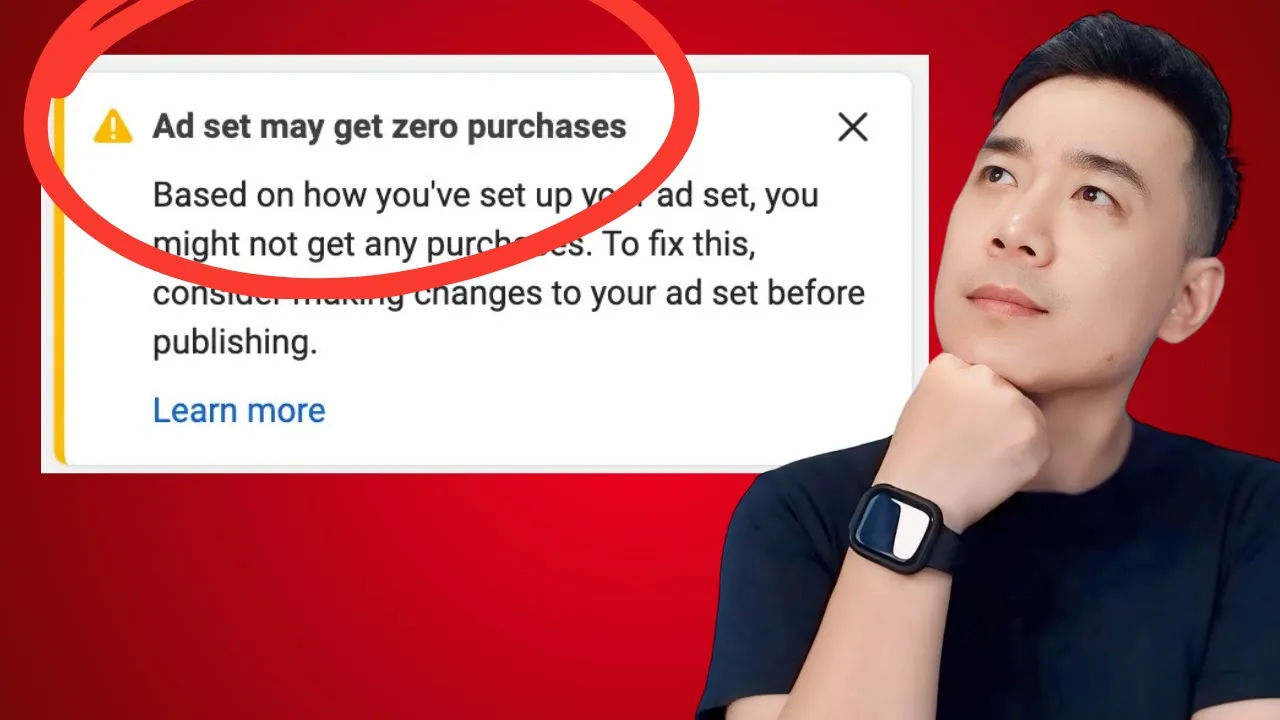
08 Aug Ads Manager Warnings and Learning Phase: When to Worry
That yellow triangle labeled “Learning Limited” is one of the most commonly seen warnings in Ads Manager — and also one of the most misunderstood. Here’s what it actually means, and why it’s not the emergency it looks like.
What “learning” actually requires
Meta’s learning phase is built around a target: roughly 50 conversions within a 7-day window. Trying to get purchases? You need about 50 purchases in 7 days to exit learning. Trying to get leads? Same number, same window. That’s the benchmark the system is working toward.
Learning Limited shows up when a campaign isn’t on pace to hit that number. What Meta is actually saying with this warning is: spend more so I can reach more people and gather results faster. That’s a genuine request from the system — but it’s a request, not a requirement.
It will not jeopardize your campaign
This is worth stating plainly, because it’s the part that gets lost in the panic: Learning Limited will not jeopardize your campaign. It causes some volatility — while a campaign is in learning, Meta is actively testing different audiences and delivery paths, which naturally creates some fluctuation. But volatility isn’t failure. As long as you’re getting results you’re happy with, the campaign is fine.
A concrete example: a new e-commerce account spending $5 a day, getting one purchase a week, at a cost of $35 per purchase — and that $35 works for the business. That account will likely sit in Learning Limited for a while, simply because $5 a day isn’t enough spend to reach 50 purchases in 7 days. The right move there isn’t to panic and increase the budget. If $35 per purchase at that pace is genuinely comfortable and sustainable, keep running at that budget. Don’t stretch yourself financially just because a warning icon is asking you to.
Learning Limited can exit slowly — but it does exit
A campaign stuck in Learning Limited may take longer to formally exit learning than one with a larger budget behind it. Slower isn’t the same as stuck forever. As long as results stay consistent, Meta continues learning and improving delivery over time regardless of the formal “learning” label. Keep the ad running. Increase budget when you’re genuinely ready to — on your own terms, at your own pace — not because the system nudged you to.
The same logic applies to creative fatigue
A related warning that causes similar unnecessary panic: creative fatigue. This flag simply means Meta’s system believes you’ve been showing the same creative to the same people frequently enough that it might be losing effectiveness. Checked on a daily view, that can look alarming. Checked on a weekly or monthly view, it’s usually fine.
It’s genuinely common for a single piece of creative to keep performing well for a long stretch — some campaigns run for 20+ months at peak performance without ever needing a creative refresh. If you have the capacity, testing new creative on a rough monthly cadence is a reasonable habit. But a creative fatigue flag by itself isn’t a reason to panic or rush a change — check whether results are actually declining before reacting to the warning.
The underlying principle
Across both warnings, the same judgment applies: these are signals from Meta’s system about what could help, not verdicts on what’s currently broken. Look at your actual results and actual cost. If those are where you want them, a Learning Limited or creative fatigue flag isn’t something to lose sleep over — it’s background noise you can safely keep running through.
A quick self-check before you react to either warning
- Am I getting results I’m happy with at a cost I’m comfortable with? If yes, Learning Limited isn’t something to act on.
- Am I about to increase budget just because the system is asking, rather than because I’m genuinely ready to spend more?
- Have I checked creative fatigue on a weekly or monthly view, rather than reacting to a daily snapshot?
- Is this campaign’s budget simply small relative to what 50 conversions in 7 days requires? That alone explains a slow exit from learning — it doesn’t mean anything is broken.
This breakdown is written by Jason Gan, a Meta Certified Professional and Badged Meta Business Partner who has personally audited over 1,000 advertiser accounts since 2010. You can see real account breakdowns on the Jason Gan YouTube channel.
Frequently Asked Questions
Does Learning Limited mean my campaign is failing? No. Learning Limited will not jeopardize your campaign. It causes some volatility, because Meta is actively testing audiences and delivery while a campaign is in learning, but it doesn’t mean the campaign is broken or doomed. As long as you’re getting results you’re happy with, Learning Limited is not something to panic over.
Should I increase my budget just because I’m seeing Learning Limited? Not unless you’re already comfortable spending more. Learning Limited is Meta’s system telling you that more budget would help it complete learning faster — but that request doesn’t override your own comfort level. If you’re getting consistent results at a budget and cost per result you’re happy with, keep running at that pace. Increase budget when you’re ready, not because a warning told you to.
Will Learning Limited ever go away on its own? Usually, yes. A campaign stuck in Learning Limited may exit learning more slowly than one with a larger budget, but slower isn’t the same as never. As long as results stay consistent, Meta continues learning and improving over time — just keep the ad running rather than restarting or panicking.
Should I worry about creative fatigue warnings too? Generally no, if results are still holding up. A creative fatigue flag just means Meta believes you’ve been reaching the same people frequently — but checked on a weekly or monthly view, that’s often perfectly fine. Some campaigns run for well over a year at peak performance without a creative refresh. Refresh creative when you have the capacity to test something new, not reflexively because of a flag.
Book a Meta Ads Audit — $80 / 30 Minutes →
No login required. If Ads Manager warnings are causing more confusion than clarity, we can look at your actual numbers together and tell you what’s really going on.
If you want ongoing support reading these signals correctly as your account grows, that’s exactly what 1-on-1 coaching is for.