

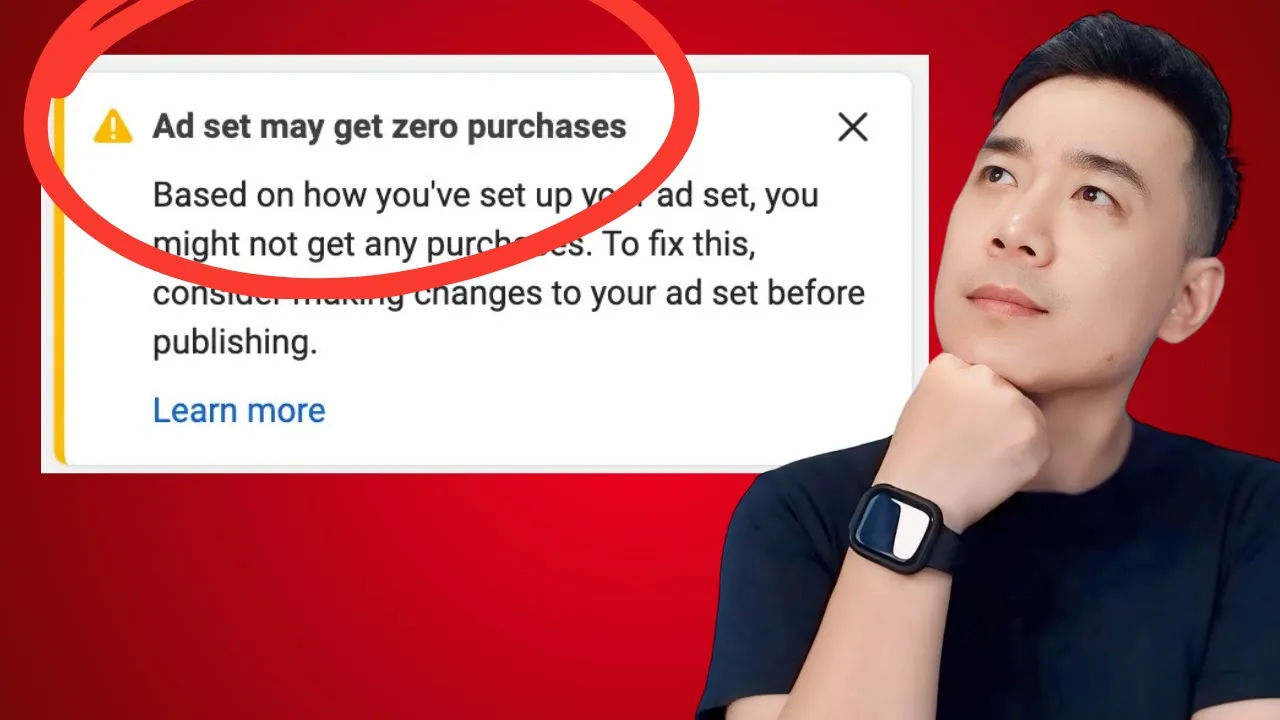
08 Aug “This Ad Set May Get Zero Purchases”: Ignore or Fix?
This is one specific warning that deserves its own look, separate from the general “should I panic about warning icons” conversation. When Ads Manager tells you a new ad set “may get zero purchases,” the honest answer is: sometimes that’s completely expected, and sometimes it’s telling you something real. The trick is knowing which one you’re looking at.
What the warning is actually built from
This message isn’t a prediction pulled out of nowhere — it’s a confidence estimate based on the signal Meta actually has available: your pixel’s purchase event history, your audience size, and your budget relative to your price point. When any of those inputs are thin, Meta’s confidence in predicting purchases drops, and the warning shows up.
That means the same warning can appear for two very different reasons: a genuinely new setup with no track record yet, or an established setup where something is quietly getting in the way of purchases actually being tracked or reached.
When it’s just noise
If this is a brand-new pixel on a business that’s never run purchase-optimized ads before, of course there’s no purchase history for Meta to build confidence from. The warning here isn’t diagnostic of anything wrong — it’s just an honest reflection that the algorithm doesn’t have data yet. This is the scenario where the advice to “ignore it and let the campaign run” genuinely applies.
When it’s worth pausing to actually check
If you’ve been running ads for a while, or this warning persists past what a normal early-data period should look like, it’s worth working through a short checklist before writing it off as noise.
Is your Purchase event actually verified and firing? This is the first thing to rule out. A pixel that looks installed but isn’t correctly tracking the Purchase event will produce exactly this warning indefinitely, no matter how much budget or time you give it. Check this in Events Manager before assuming anything else is the issue.
Are you optimizing for an event you don’t have enough history for? Jumping straight to Purchase optimization with zero or near-zero purchase events on the pixel can leave the algorithm without enough signal to learn from. In that situation, it’s often worth stepping back one stage in the funnel — optimizing for Add to Cart or Initiate Checkout first — to build up volume and signal, then graduating to Purchase optimization once there’s a real baseline of data behind it.
Is your budget realistic against your price point? A daily budget that’s too small relative to your product’s price and expected conversion rate simply won’t generate purchases fast enough to build confidence, no matter how well everything else is set up. This connects to the same math behind exiting the learning phase generally — a lower budget against a higher cost per result just takes longer to accumulate the volume Meta needs.
Is your audience too narrow to support the objective? A tightly restricted audience can genuinely struggle to deliver enough volume for a purchase-optimized campaign, independent of anything else being wrong.
The decision, in short
Ask one question first: is this genuinely early days for this pixel and this objective, or has this had a fair runway already? If it’s early days, treat the warning as expected and let the campaign actually run before judging it. If it’s had a fair runway and the warning hasn’t resolved, work through the checklist above rather than assuming it’ll sort itself out.
What not to do
Don’t respond to this warning by repeatedly switching objectives or optimization events in quick succession. Each meaningful change resets what the algorithm has learned so far, which means you never actually give any single setup enough runway to prove whether it would have worked. If you’re going to change something in response to this warning, change one thing, then give it a real window to show results before touching anything else.
A quick self-check before you react to this warning
- Does my pixel have any real purchase history, or is this genuinely a first-time setup?
- Have I verified my Purchase event is actually firing correctly in Events Manager?
- Am I optimizing for Purchase without enough historical volume to support it, when starting one step earlier in the funnel might build better signal first?
- Is my daily budget realistic against my price point and expected conversion rate?
- Is my audience large enough to support a purchase-optimized objective?
- Have I been making frequent changes instead of giving one setup a real runway?
This breakdown is written by Jason Gan, a Meta Certified Professional and Badged Meta Business Partner who has personally audited over 1,000 advertiser accounts since 2010. You can see real account breakdowns on the Jason Gan YouTube channel.
Frequently Asked Questions
What does “this ad set may get zero purchases” actually mean? It means Meta doesn’t have enough signal — pixel purchase history, audience data, budget relative to your price point — to confidently predict that this ad set will generate purchases. It’s a confidence estimate, not a diagnosis. A brand-new pixel with no purchase events yet will almost always trigger this warning, regardless of whether the setup is actually fine.
Is this warning always safe to ignore? Not always — that’s the nuance worth knowing. If it’s genuinely your first campaign on a new pixel, the warning is expected and not diagnostic of a problem. But if you’ve been running purchase-optimized ads for a while and are still seeing this warning, it’s worth checking pixel setup, optimization event choice, and budget before assuming it’s just noise.
Should I optimize for Purchase from day one on a brand-new pixel? It’s worth considering starting one step earlier — optimizing for Add to Cart or Initiate Checkout first — if your pixel has zero purchase history. Optimizing directly for Purchase with no historical signal can leave the algorithm with too little data to learn from, which is often exactly what triggers this warning in the first place.
What should I check before assuming the warning is just noise? Four things: that your Purchase event is verified and actually firing correctly, that your optimization event matches how much historical data you actually have, that your daily budget is realistic against your price point and expected conversion rate, and that your audience isn’t so narrow it can’t support the objective. If all four check out, the warning is very likely just an early-data caution.
Book a Meta Ads Audit — $80 / 30 Minutes →
No login required. If you’re staring at this exact warning and not sure whether to worry, we can check your pixel, budget, and audience together in one session.
If you’re setting up your first purchase-optimized campaign and want someone in your corner while it builds up signal, that’s exactly what 1-on-1 coaching is for.