Meta Ad Disapproved? How to Fix It Before It Costs You the Account
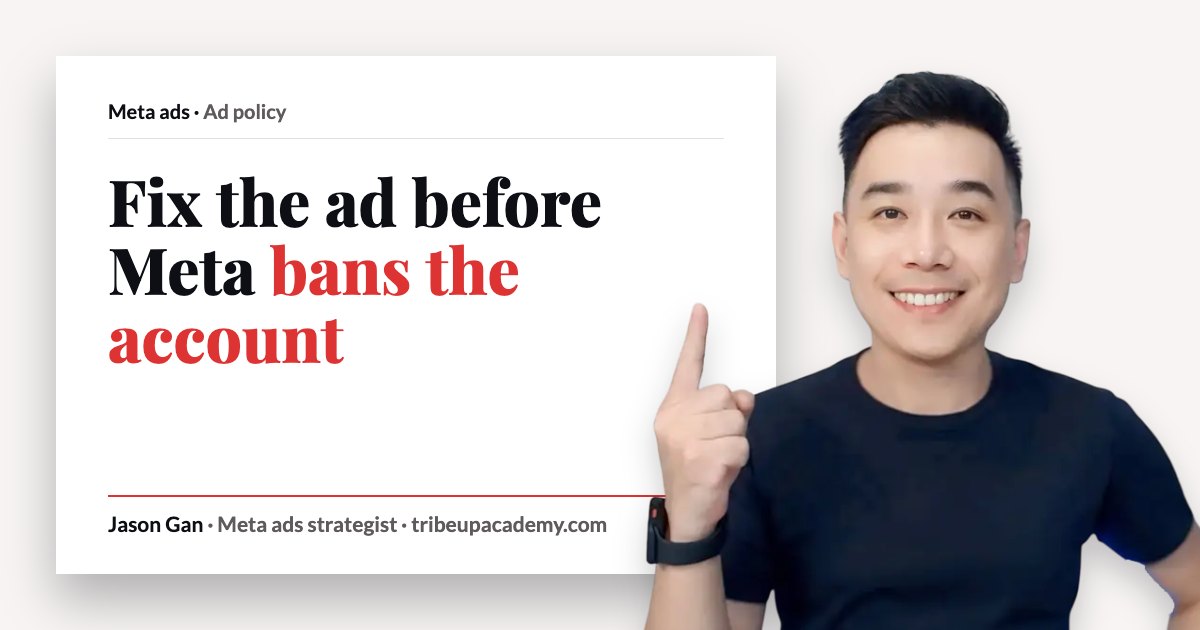
A friend who’s quite new to running Meta ads messaged me recently. His ad got disapproved, and he wanted to know two things: why, and how to fix it.
Here’s the short answer. Read the reason Meta gives you, change the ad to fix exactly that, then request another review. If you believe Meta got it wrong, which happens more often than people think, you can ask for a review without changing anything. The bigger job is making sure it doesn’t keep happening, because repeated disapprovals can cost you the ad account and even your personal profile.
First, read why it was disapproved
The easiest way to understand a disapproval is to look at your ad and ask, what happened? Meta usually tells you. You’ll see a reason on the ad, or a policy name you can click into and read.
Don’t skip this and start guessing. Read the reason, then look at your ad with that reason in mind. Most of the time the answer is sitting right there in the creative or the copy.
Know the rules before you run ads
If you’re new, first thing first, search for Meta’s advertising standards and read through them. All of it. I won’t repeat them here, because Meta updates them and their page is the source.
Some things are a flat no on Meta, like gambling, weapons and drugs. I don’t believe you run those businesses. The ones that catch normal advertisers are the sensitive industries, where your business is allowed but the way you advertise it is watched closely:
- Aesthetics, facial care and anti-aging
- Minor cosmetic procedures
- Skin care and weight loss
- Financial products
- Housing and property
If you’re in one of these, Meta wants you to run your ads as they are. Say what the product is. Don’t make claims you can’t support, don’t do before-and-after comparisons, and don’t promise any outcome.
If you run ads for financial products, employment or housing, you also need to declare the special ad category when you set up the campaign. If you don’t, your ad may be rejected. Declaring it does take away some targeting options, so be ready for that.
It’s usually the image or video
People tend to go straight to the copy. There are certain words you can’t use, that’s true. But in my experience, it’s usually the ad creative. The image or the video is more often the problem.
So when you’re checking a disapproved ad, look at the visual first. Is it showing a before and after? Is it implying a result? Then check the copy for promises.
For the copy side in detail, I’ve written about the copy mistakes that get ads in restricted categories rejected.
How to fix a disapproved ad, step by step
- Read the reason. Open the disapproved ad and read what Meta flagged.
- Make the change it points to. Fix the creative or copy that broke the rule. Don’t change five other things at the same time.
- Request another review. Resubmit the ad so it goes back for review.
- If it’s disapproved again, Meta will come back and tell you it’s still not approved. Read the reason again and make another change.
- If you believe it was a mistake, request a review of the original ad. In my experience, these second reviews are often checked by a real person, and you may get the ad back.
Remember, Meta does wrongly disapprove ads. It’s quite common. An appeal is there for exactly that, so use it when you’re confident the ad follows the rules.
Why repeated disapprovals are dangerous
Here’s the thing. One disapproval is a nuisance. A pattern of disapprovals is a risk to your whole business.
In my experience, after roughly three to five disapprovals your ad account can get banned. And it’s not only the ad account. Your personal profile can be restricted from running ads too. If that happens, you can’t simply open a new ad account and carry on.
There are workarounds, but they’re a real hassle, and starting again from zero is painful. If you mean business and you want to run ads for the long run, you need a healthy relationship with Meta. That means protecting two things: your ad account and your personal profile.
So don’t keep pushing the same ad back in hoping it slips through. Each time it’s rejected for the same reason, it counts against you. If you keep using an ad Meta doesn’t allow, you can end up in a permanent restriction, and that’s very hard to come back from.
If you’re already dealing with a restricted account, read how to protect your account from being restricted or disabled.
Still can’t see why your ad was disapproved?
Sometimes Meta is hard to navigate. They give you a link, you read it, and you still think, no, my ad isn’t the problem. I want another pair of eyes on it.
Book a free 20-minute call with me →
Just me, no sales team. We talk about where you are, what you want to fix, and whether working together makes sense.
A quick self-check
- Have you read Meta’s advertising standards at least once, all the way through?
- Did you read the exact reason Meta gave before you changed anything?
- Have you checked the image or video, not only the copy?
- Does your ad promise an outcome, or show a before and after?
- If you’re in finance, employment or housing, did you declare the special ad category?
- How many disapprovals has this ad account had recently?
- Do you know who else has admin access if your profile gets restricted?
If more than one of these made you pause, fix that before you launch the next ad.
Frequently asked questions
Why was my Meta ad disapproved?
Meta disapproves ads that break its advertising standards, and it usually shows you the reason on the ad. In sensitive industries like aesthetics, weight loss, finance and property, the common causes are unsupported claims, before-and-after comparisons and promised outcomes. In my experience, the image or video is the problem more often than the copy.
How do I appeal a disapproved Meta ad?
Open the disapproved ad and request another review. If you think Meta got it wrong, you can ask for a review without changing the ad. If the ad really did break a rule, make the change first, then resubmit.
Can a disapproved ad get my Meta ad account banned?
One disapproval on its own is normal. Repeated disapprovals are the risk. In my experience, around three to five can lead to the ad account being banned, and your personal profile can be restricted from running ads as well.
Should I keep resubmitting the same ad until it gets approved?
No. Resubmitting an ad that breaks the rules adds to your record of violations. Read the reason, change what was flagged, and only request a review of the unchanged ad when you’re confident it follows Meta’s standards.
Want me to look at it with you?
If you can’t find why your ads keep getting disapproved, or you’re in a sensitive industry and want to get it right before it costs you the account, book a free 20-minute call with me. Just me, no sales team. We talk about where you are, what you want to fix, and whether working together makes sense.
If you sell lingerie or another sensitive product, read how sensitive industries can still advertise on Meta.
Written by Jason Gan, a Meta ads strategist who has run Meta ads since 2010 and personally audited more than 1,000 ad accounts. Meta Certified Professional and Badged Meta Business Partner. Watch real account breakdowns on his YouTube channel.